Set the phone
Position your iPhone 4 to 6 feet directly behind the ball, near ground level (1 to 12 inches high, leaning on a stand or turf), and level it horizontally using the gyroscopic spirit level.
iOS TestFlight beta now recruiting
ForeTune Teller is an iPhone-first golf lab for shot capture, swing video, and practice telemetry. No radar box. No calibration mat. Just guided setup, local processing, and a clearer read on every session.
Beta promise: honest field validation, clear device limits, and one-tap TestFlight access while testers help us harden capture reliability.
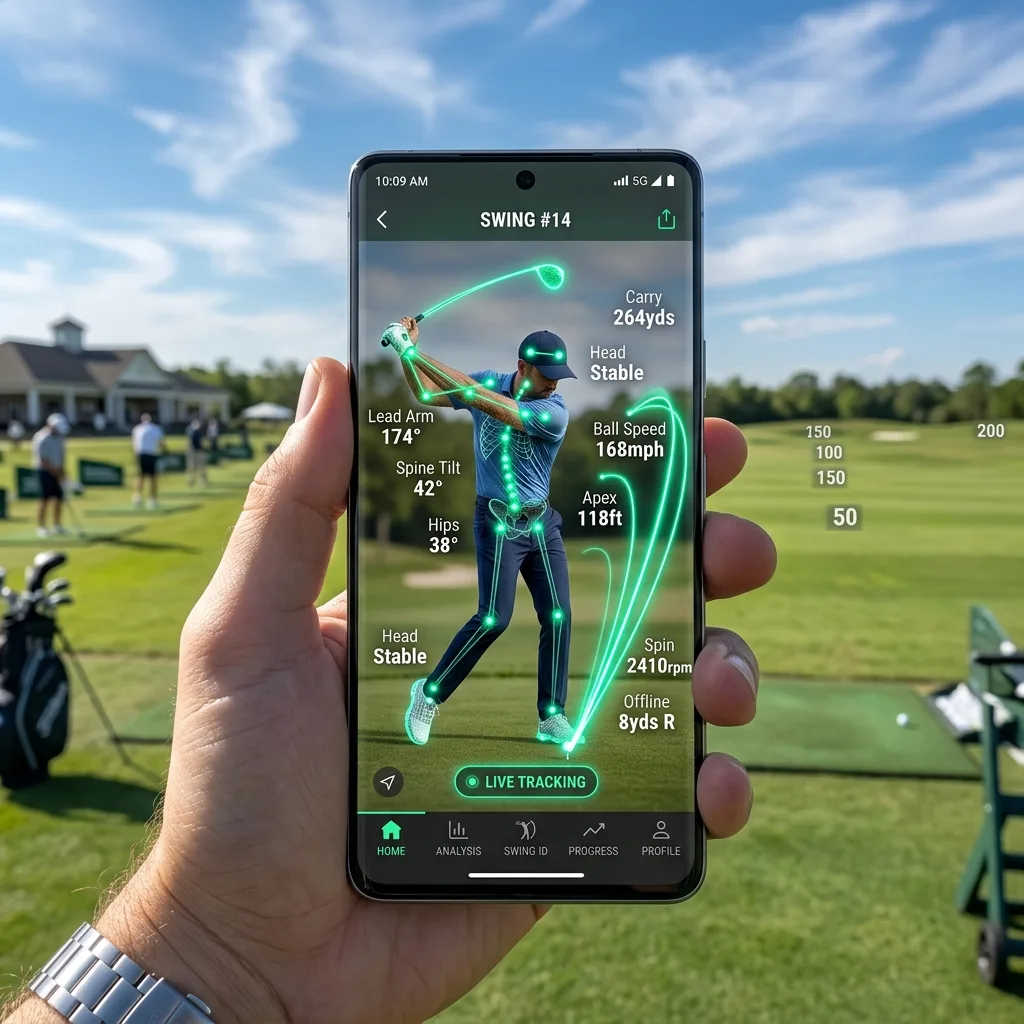
Adjust launch variables, smash factor, and ball curvature below to see how ForeTune Teller models 3D ball flight directly on device.
Keep a real-time shot log during your practice session. Review averages and download CSV telemetry files to track your club yardages.
| Shot # | Ball Speed | Club Speed | Smash Factor | Launch Angle | Est. Carry | Peak Apex |
|---|---|---|---|---|---|---|
| No shots recorded yet. Click "Log Shot to Session" above to start logging range telemetry. | ||||||
No calibration mats or level markers. ForeTune Teller uses the iPhone's internal gyroscope and LiDAR spatial mapping for effortless setup.
Place your iPhone 4 to 6 feet directly inline behind your target line. Ground level (1 to 12 inches high) resting against your golf bag, a tripod, or range tray.
The app features an auto-centering HUD indicator. Align the reticle within green tolerance (+/- 2.0°) so camera perspective distortion is mathematically eliminated.

ForeTune Teller requests iOS high frame-rate capture pipelines. Outdoor natural sunlight or bright indoor LED range lighting provides crisp microsecond exposure for impact blur reduction.
Most launch monitor frustration starts before impact. ForeTune Teller focuses the early beta on making phone placement, permissions, and capture state obvious.
Position your iPhone 4 to 6 feet directly behind the ball, near ground level (1 to 12 inches high, leaning on a stand or turf), and level it horizontally using the gyroscopic spirit level.
High-speed video and acoustic timing isolate the launch window, so the session feels fast instead of fiddly.
See practical metrics, swing video, and clear confidence states. Beta builds prioritize transparency over pretending every read is perfect.

ForeTune Teller is being validated in the field before making replacement-level promises. Testers get practical capture feedback, device-limit transparency, and a direct path to shape the iPhone beta.
Select your iPhone model below to inspect supported frame rates, LiDAR mesh capabilities, and capture precision specs.
Takes full advantage of spatial LiDAR depth mapping and hardware AVFoundation 240 FPS pipelines for instantaneous ball launch & spin estimation.
ForeTune Teller exposes an open local TCP/OpenConnect bridge API for garage bay setups. Stream ball flight telemetry directly into simulator software without external hardware dongles.
Streams launch angle, ball speed, azimuth, and backspin/sidespin payloads over local Wi-Fi directly into GSPro Connect. Zero cloud latency.
Configurable UDP/TCP port streaming lets garage simulator builders route telemetry to E6 Connect or custom golf analytics software.
Processing runs 100% locally on your iPhone chip. Your telemetry data stays private on your local device without requiring paid cloud tiers.
{
  "Device": "ForeTune Teller iOS",
  "Protocol": "OpenConnect v1.4",
  "Status": "Ready for Range Telemetry Input"
}
Ready for field testers
Open the public TestFlight link, install the beta, and send field feedback from your real practice setup so we can harden capture before broad release.
Open TestFlight beta